

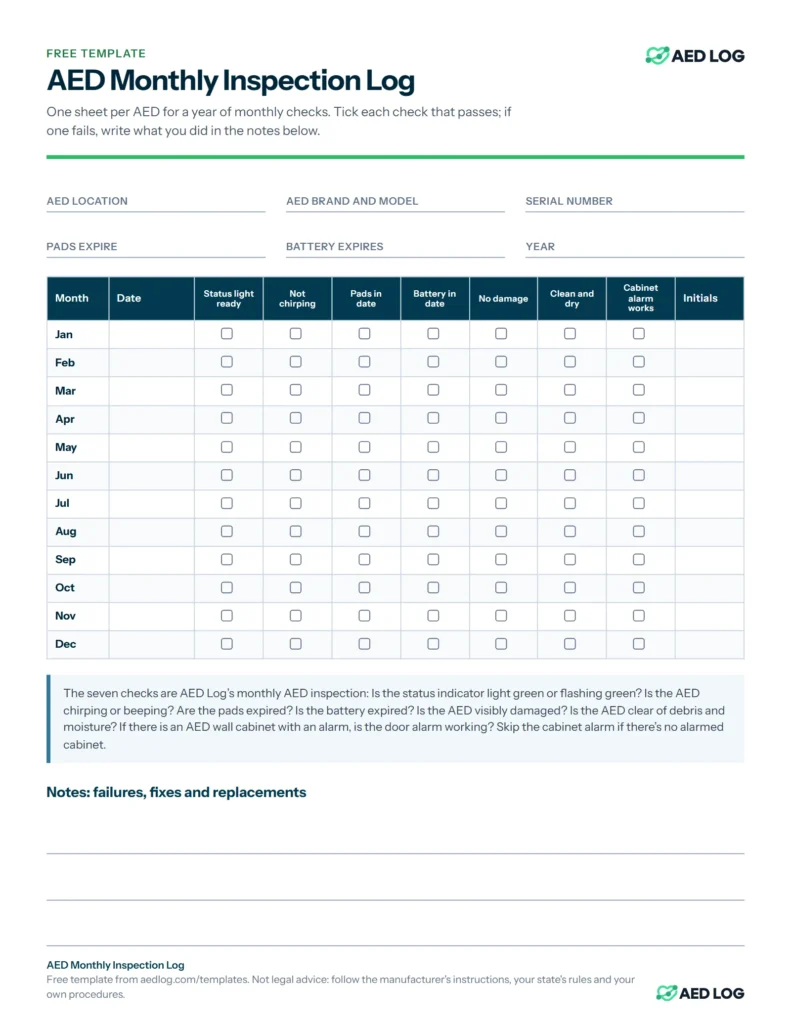
The AED monthly inspection log
The log sheet records a year of monthly AED checks on one page: a row per month with the date, a tick for each of the seven checks, and the inspector’s initials.
Each column is one of AED Log’s seven monthly checks, written as the answer that passes:
| Column | Question | Passes when |
|---|---|---|
| Status light ready | Is the status indicator light green or flashing green? | Yes |
| Not chirping | Is the AED chirping or beeping? | No |
| Pads in date | Are the pads expired? | No |
| Battery in date | Is the battery expired? | No |
| No damage | Is the AED visibly damaged? | No |
| Clean and dry | Is the AED clear of debris and moisture? | Yes |
| Cabinet alarm works | If there is an AED wall cabinet with an alarm, is the door alarm working? | Yes |
An AED log sheet is the simplest record that an inspection happened. The AED law data in AED Log lists 34 states that require AED owners to properly inspect and maintain their AEDs, so a dated log is worth keeping. See AED inspection requirements.
The AED inspection tag
The AED inspection tag hangs on the AED or its cabinet, so anyone can see when it was last checked. Page 2 of the PDF has two tags to cut apart.
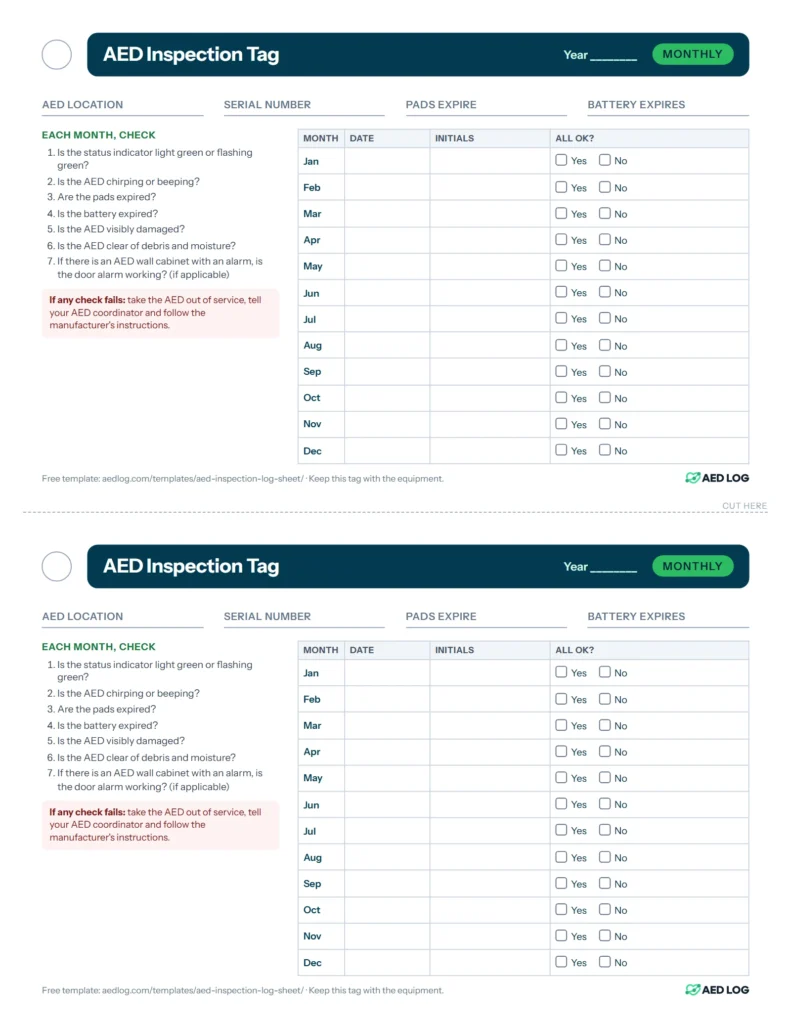
Each tag has a hole to hang it, fields for the AED’s location, serial number and pad and battery dates, the seven checks, and a row per month for the date, initials and whether everything was OK. Print it on card stock, or put it in a clear tag sleeve, and hang it where the next inspector will see it. For QR labels that open the AED’s record on a phone, see QR code labels.
How to fill in the log sheet
Fill in the AED’s details once, then each month add the date, a tick for each check that passes, and your initials. Write anything that failed in the notes.
- Use one log sheet per AED per year. Fill in the AED’s location, brand, model and serial number, the pads’ and battery’s expiration dates, and the year.
- Each month, inspect the AED and write the date in that month’s row.
- Tick each check that passes. Leave a box empty if the check fails.
- Initial the row.
- If a check failed, write what happened and what you did in the notes, and take the AED out of service until it’s fixed.
- When you replace pads or a battery, update the expiration dates at the top.
- At the end of the year, file the sheet with the AED’s records and start a new one.
For a single inspection with Yes and No answers and space to sign, use the AED inspection checklist PDF. For what each check means, read the monthly AED inspection checklist guide.