
Slack integration
AED Compliance Alerts in Slack
AED Log sends AED alerts to Slack: pick a channel, choose which alert categories post, and your team sees expiring pads, overdue inspections and failed checks where they already talk. An Administrator sets it up from AED Log's Integrations page.
45 days free. No credit card required. Then plans from $114 a year.
What gets posted to Slack
Each alert in the categories you choose posts to your Slack channel, saying what happened, which unit and site it concerns, and linking to it in AED Log.
Links sit in the text of the message rather than in buttons, so posts read cleanly in any channel. If your AED program runs through a provider's branded portal, the posts carry your provider's name.

Choose which alert categories post
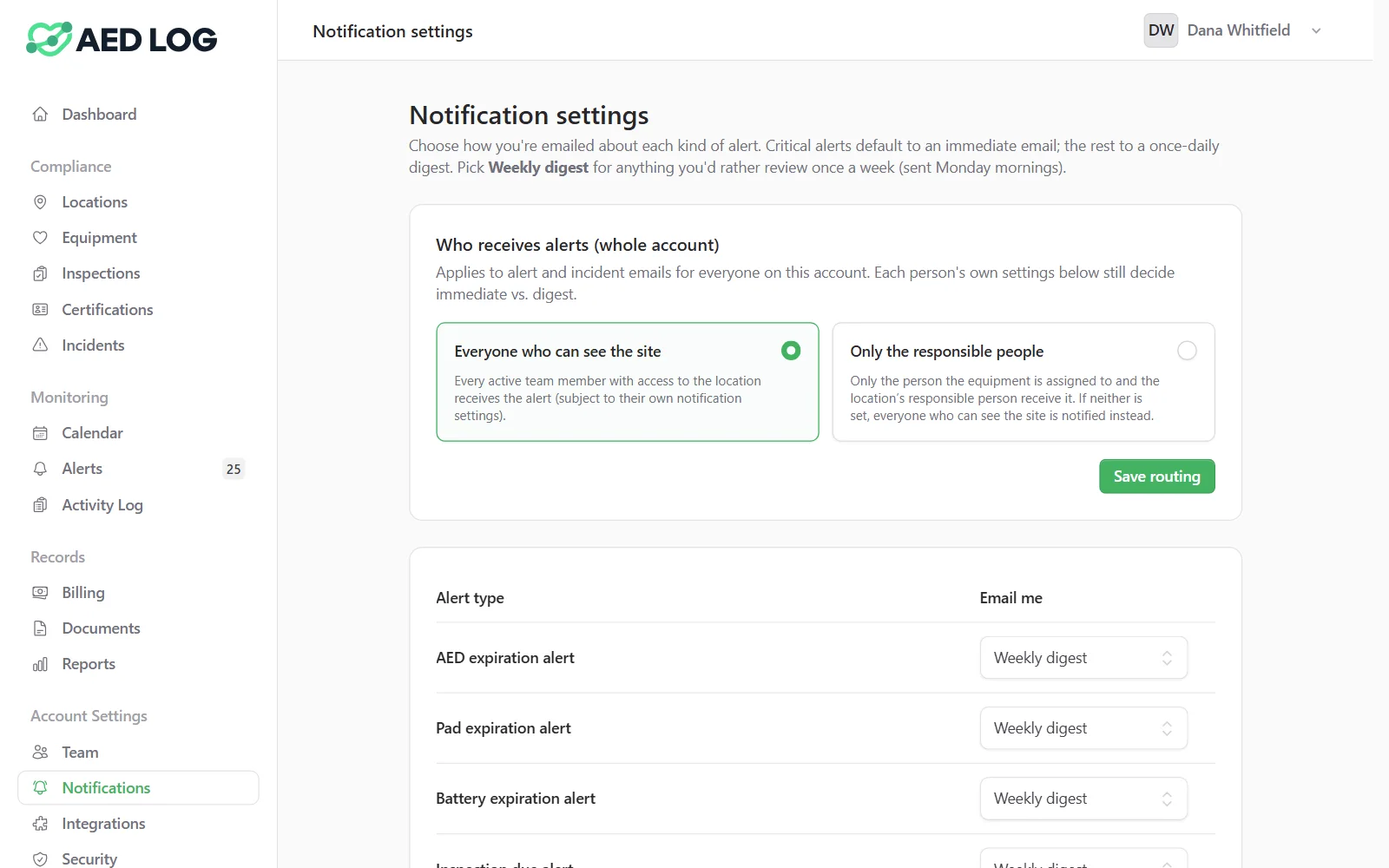
Slack gets only the alert categories you route to it, separately from everyone's email settings.
Send expirations and failed inspections to a safety channel and leave the rest to email, or route everything. Email doesn't change: each person still chooses immediate, daily or weekly email for themselves. To see due dates in Outlook or Google Calendar instead, subscribe to the calendar feed.
Connect Slack in three steps
An Administrator connects Slack from the Integrations page in AED Log, using Slack's own sign-in.
Choose Connect Slack
Under Integrations, turn on Slack and choose Connect Slack.
Approve it and pick a channel
Slack asks you to approve the connection and pick the channel alerts should post to, such as #safety-alerts.
Choose the alert categories
Back in AED Log, turn on the categories that should post to Slack.
Send a test message
After connecting, send a test message to post a sample alert to the channel and confirm the connection works.
The test posts right away, whatever categories you chose, while real alerts follow your category settings. If the test arrives but an alert doesn't, check that the alert's category is turned on for Slack.
How the Slack connection is secured
AED Log connects through Slack's own OAuth approval and stores the connection encrypted.
AED Log only posts to the channel you picked. Reconnect to change the workspace or channel, or disconnect to stop posting at once.
Get AED alerts in Slack
Expiring pads, overdue inspections and failed checks, posted to the channel your team already watches.
45 days free. No credit card required. Then plans from $114 a year.