
Integrations
Integrations
AED Log integrations bring alerts and data into the tools your team already uses: AED Sentinel remote AED monitoring, Slack, Microsoft Teams, Discord and calendar feeds for Outlook, Google and Apple Calendar. Email alerts and daily or weekly digests come with every plan.
45 days free. No credit card required. Then plans from $114 a year.
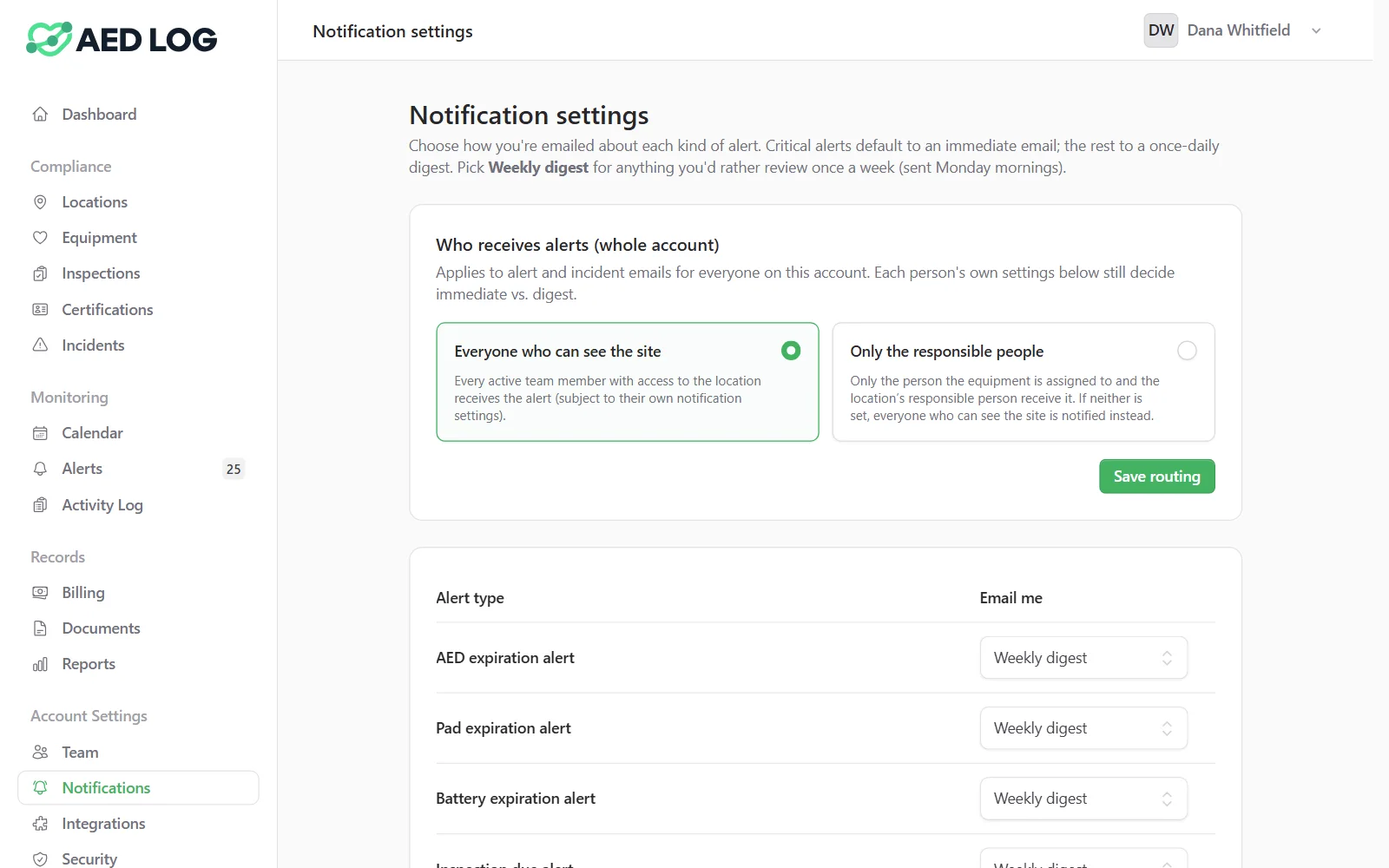
AED Log's integrations and alert channels at a glance. Email, Slack, Microsoft Teams, Discord and calendar feeds come with every plan; AED Sentinel monitoring is an add-on.
AED Sentinel remote AED monitoring
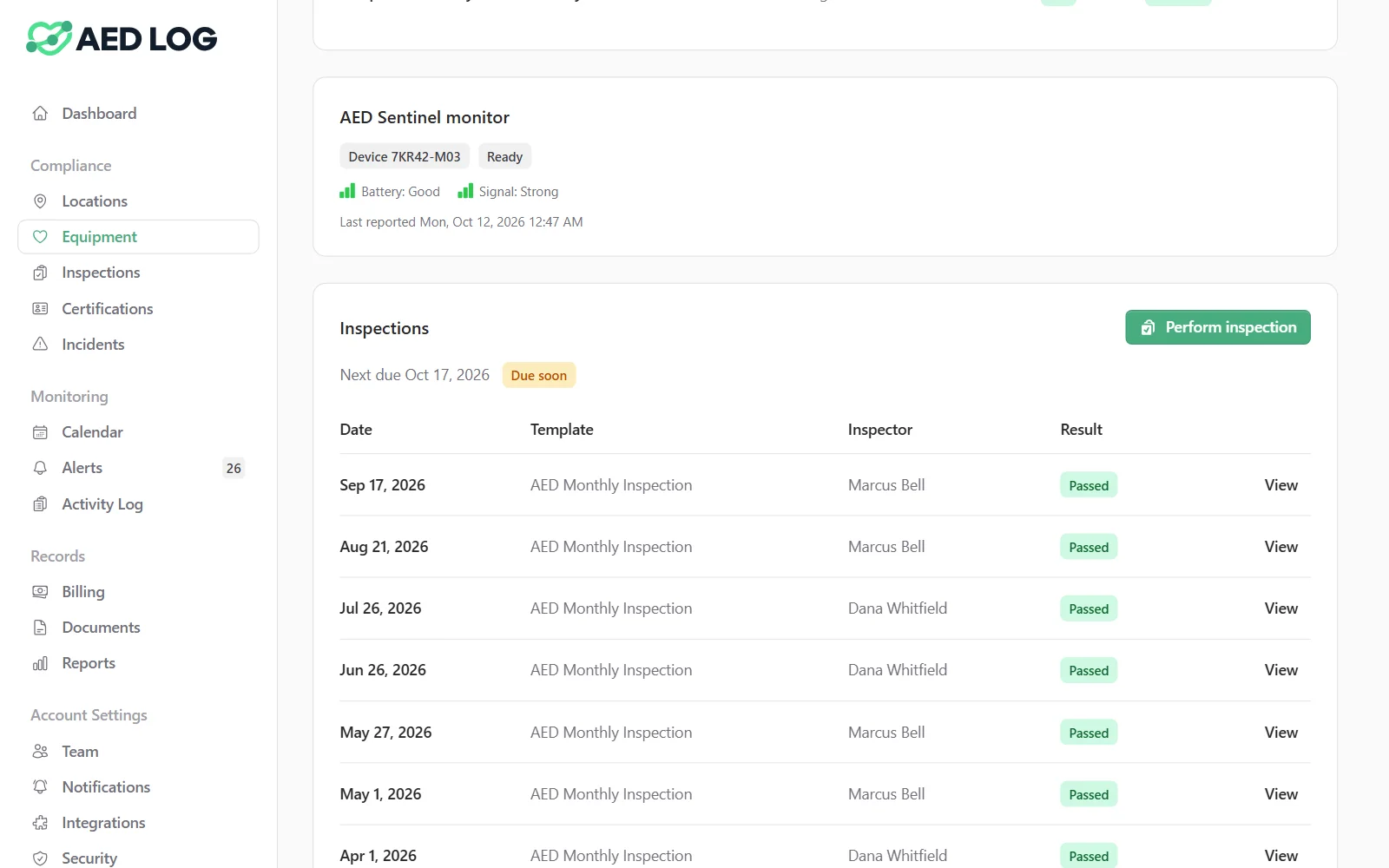
AED Sentinel is a remote AED monitoring service from Readiness Systems, and AED Log shows its device and cabinet alerts on the matching AED's record.
Device status, cabinet door openings, low batteries, missed check-ins and expiring pads flow into AED Log's alerts, and inspections recorded in AED Log are written back to ReadiCheck. Get AED Sentinel as an add-on through AED Log, or connect a Sentinel service you already have.
Slack alerts by channel
Connect a Slack workspace, pick a channel, and AED Log posts the alert categories you choose there.
Slack posts are routed by alert category, separately from email. Send a test message to check the setup, and disconnect at any time.
Microsoft Teams alert cards
Create a Workflows webhook in Microsoft Teams, paste it into AED Log, and alert cards post to that channel.
Choose which alert categories post, send a test card, and disconnect at any time. The webhook address is stored encrypted.
Discord channel alerts
Paste a Discord channel webhook into AED Log and the alert categories you choose post to that channel.
Send a test message to check the setup, and disconnect at any time. The webhook address is stored encrypted.
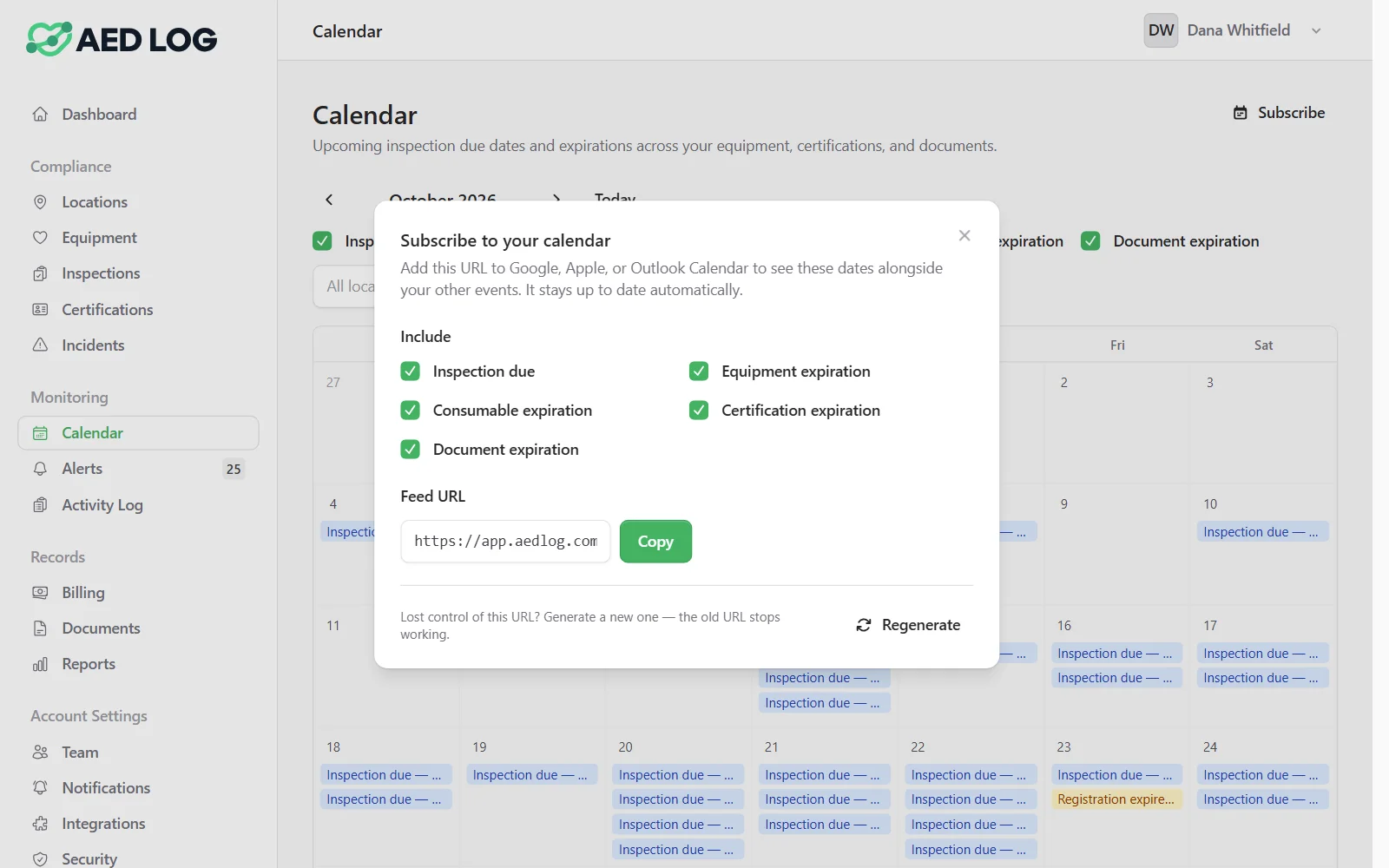
Calendar feeds for Outlook, Google and Apple Calendar
Every user can subscribe to a personal iCal feed of AED deadlines in Outlook, Google Calendar or Apple Calendar.
Include every event or only certain types. The feed only shows the locations that person can access, and regenerating it revokes the old link.
Get AED alerts where your team works
Email, Slack, Microsoft Teams, Discord and calendar feeds, on every plan.
45 days free. No credit card required. Then plans from $114 a year.