
Microsoft Teams integration
AED Compliance Alerts in Microsoft Teams
AED Log posts AED alerts to a Microsoft Teams channel as cards, through a Teams Workflows webhook. Choose which alert categories post and send a test card, and your safety team sees expirations and failed checks in a channel they already use.
45 days free. No credit card required. Then plans from $114 a year.
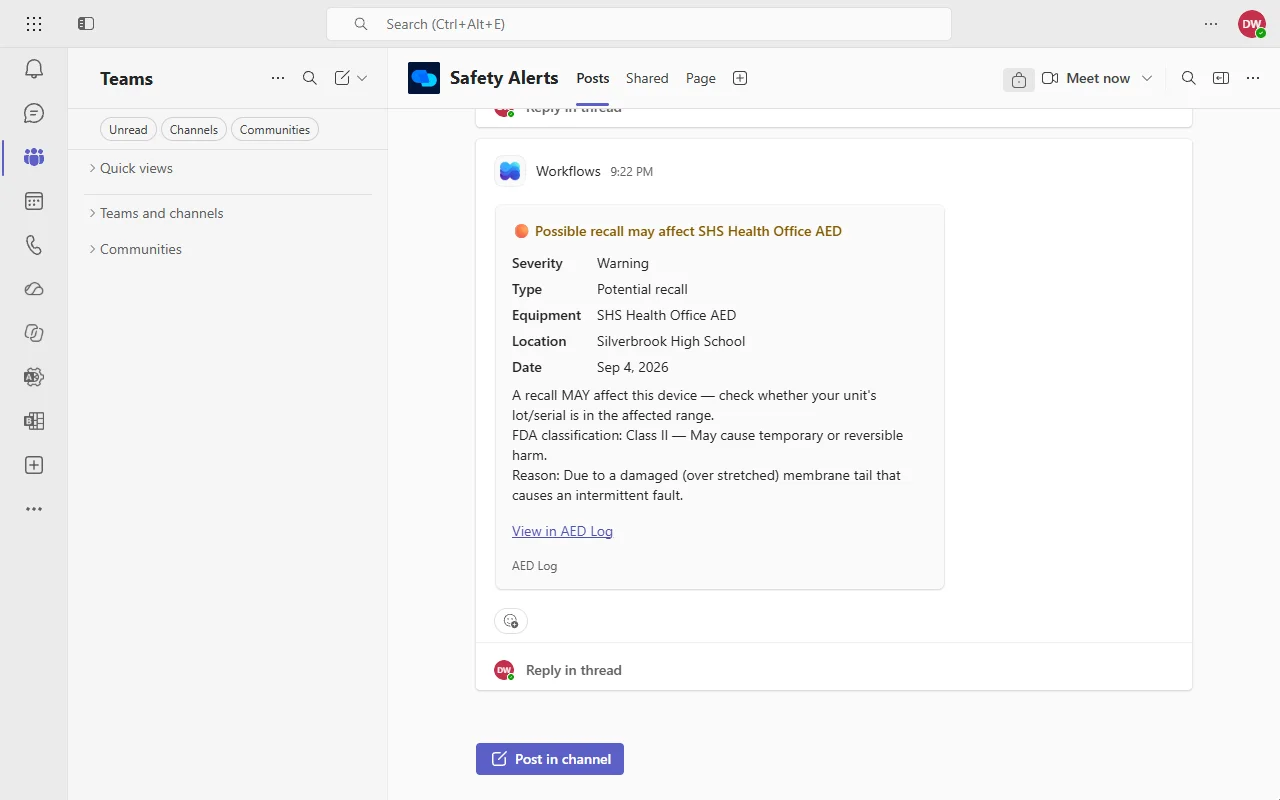
What gets posted to Teams
Each alert in the categories you choose posts to your Teams channel as a card, saying what happened, which unit and site it concerns, and linking to it in AED Log.
Links sit in the card's text, so they open from any Teams app. If your AED program runs through a provider's branded portal, the cards carry your provider's name.
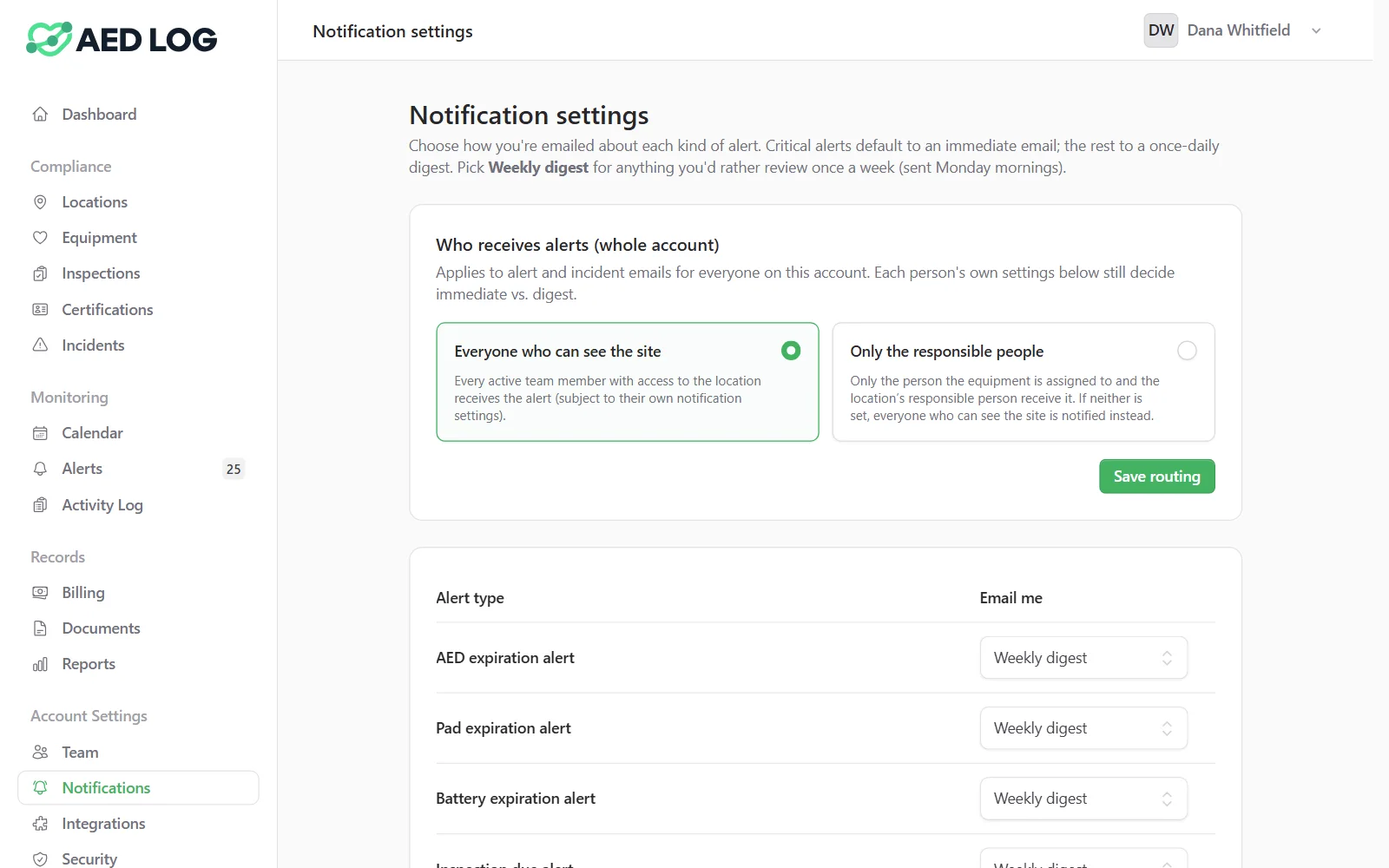
Choose which alert categories post
Teams gets only the alert categories you route to it, separately from everyone's email settings.
Send expirations and failed inspections to a facilities or safety channel and leave the rest to email, or route everything. Each person still chooses immediate, daily or weekly email for themselves. To see due dates in Outlook instead, subscribe to the calendar feed.
Connect Teams with a Workflows webhook
Connecting Teams takes a webhook URL from the Workflows app in Teams, pasted into AED Log by an Administrator.
Create a Workflows webhook
In the Teams channel, add the Workflows template that posts to a channel when a webhook request is received, and copy its URL.
Paste it into AED Log
Under Integrations, turn on Microsoft Teams and paste the webhook URL.
Choose the alert categories
Turn on the categories that should post to Teams, and save.
Send a test message
After connecting, send a test message to post a sample card to the channel and confirm the webhook works.
The test posts right away, whatever categories you chose, while real alerts follow your category settings. If the test arrives but an alert doesn't, check that the alert's category is turned on for Teams.
How the Teams webhook is secured
A webhook URL lets anyone who has it post to your channel, so AED Log stores it encrypted.
Administrators manage it under Integrations. To stop posting, disconnect it in AED Log, or turn off the workflow in Teams.
Get AED alerts in Microsoft Teams
Expiring pads, overdue inspections and failed checks, posted as cards to the channel your team already uses.
45 days free. No credit card required. Then plans from $114 a year.